Booking system
Online booking — clients book their own appointments, 24/7
With Appointa you take online bookings on your own business page. Clients pick a service, staff member and time and confirm — on a phone or computer, no app, no call. The appointment lands in your calendar, and you decide how far ahead, how late and who can book.
Included in every plan, free Starter too
How it works
- 01
Set up services and hours
The setup wizard walks you through services, staff, opening hours and booking rules, with ready-made service suggestions for most business types. Once you launch, your page at appointa.hr/s/your-business is live.
- 02
Share link and QR code
Copy the link in one click for Instagram, Facebook, WhatsApp and your Google Business Profile, and put the QR code in the window or on business cards. It opens in any browser, no app needed.
- 03
Clients book themselves
Clients pick a service, staff member, date and time, then enter a name and phone number. It lands in your calendar, and your team gets a push about the new booking in Appointa Pro.
What you get
Your own booking page
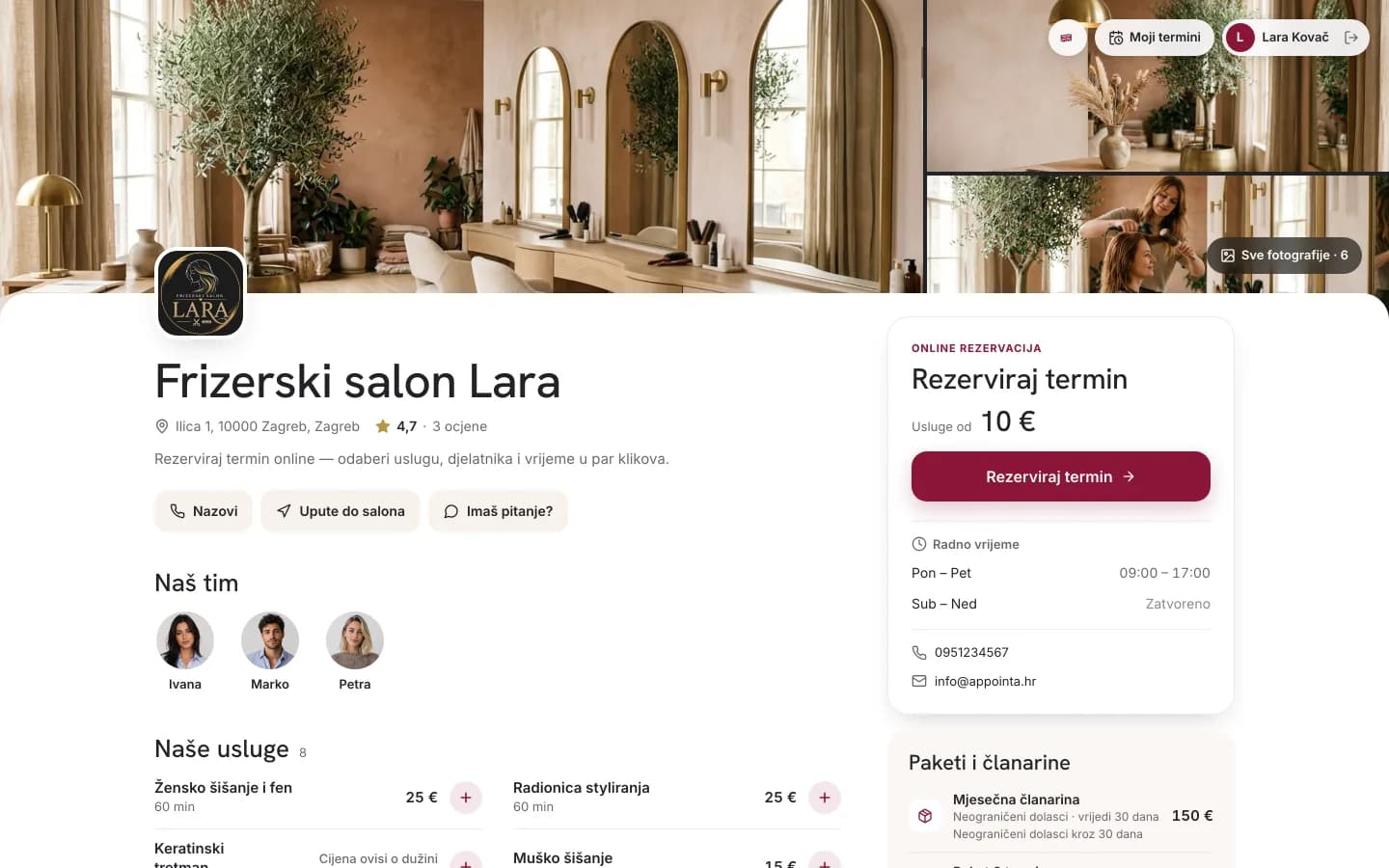
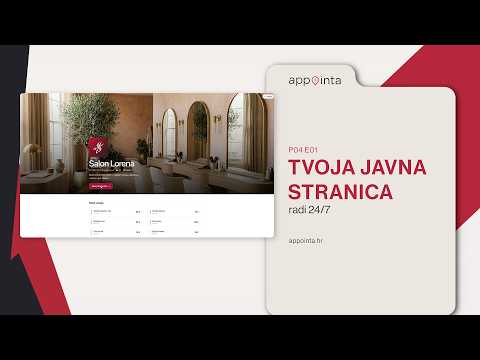
Your page shows clients your services with duration and price, your team, gallery, opening hours and contact details, in your brand colour and with your logo. There’s no separate editor: the page fills itself from the data you already manage in Appointa. Available on every plan.
Online booking in four steps
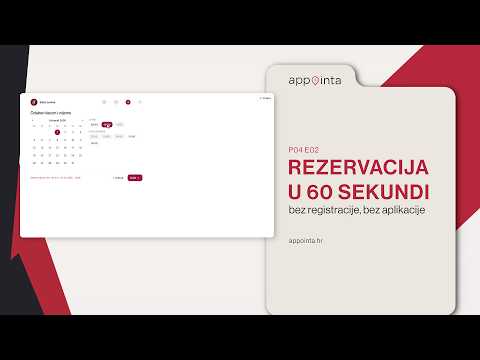
Service, staff member or “any staff member”, date and time, then contact details. Free times are grouped into morning, afternoon and evening, and taken ones are crossed out. On the confirmation screen, Add to calendar saves the appointment to the client’s Google, Apple or Outlook calendar.
Booking rules that fit you
You decide how far ahead clients can book (30 days by default), how late before an appointment (1 hour by default), how many upcoming appointments one client can hold at once and how late they can cancel themselves. The rules apply to online bookings, not to appointments you add yourself.
You choose who can book
By default only clients you’ve accepted can book online: a new client sends a request and you approve it. Want more new clients? Turn on anonymous bookings and a name and phone number are enough. You can also confirm every booking yourself; unconfirmed requests expire after 24 hours.
No overlaps, no double bookings
Offered times come from opening hours, shifts, time off and existing appointments, and a service that needs a room, device or vehicle is offered only while that resource is free. On Pro and Premium, events in a staff member’s private calendar close those times for online booking.

Frequently asked questions
Do clients have to install an app?
No. Your booking page works in any browser, on a phone or a computer: the client enters a name and phone number, and an email if they like. The Appointa app is an extra for those who want it, with push reminders and all their appointments in one place. Clients who’d rather call? You add their appointment in a few clicks.
How many online bookings can I take on the free plan?
On the Starter plan, up to 30 appointments a month, for one staff member. Every appointment taking place that month counts, online ones and those you add yourself, but cancellations and no-shows don’t. Once the quota is used up, online booking tells clients the business has reached its monthly limit. Pro and Premium have no appointment limit.
Can I confirm every booking myself?
Yes. Turn off direct booking in the booking settings: new bookings then arrive as pending requests, and the client sees that the request has been sent. The time stays blocked until you confirm or cancel it. If you do neither, the request expires on its own after 24 hours or when the appointment starts, and the time is freed up.
Can clients pay or leave a deposit online?
No. Appointa doesn’t charge your clients and takes no commission per booking: you take payment at your business just as you do now. You can set a late-cancellation fee and record it on the cancelled appointment, but Appointa doesn’t collect it — you arrange it with the client yourself.
Can I put booking on my own website?
Yes. Add a button that links to your page, or embed the booking form in your site: copy the code from your settings and paste it into an HTML block (WordPress, Wix, Squarespace…). Clients then pick a service, staff member and time without leaving your site. The embedded form always books as a guest, with a name and phone number.
Can clients cancel on their own?
Yes: on your page under My appointments, via the link on the confirmation screen or in the email or SMS reminder, and in the Appointa app. You set the deadline, 2 hours before the start by default; after that the client has to call you. The freed time is open to others straight away, and your team is notified in Appointa Pro.
Try it free, no card needed.
Starter is free with no time limit, and a demo business with ready services and appointments opens in a few clicks.
Start free