Pilates studios: reformers, seats and appointments that don't collide
Pilates studio scheduling without clashes: group classes with a seat count, reformers as resources for private sessions, countdown packages and reminders.
For pilates studios
Members sign up and out themselves, classes have a clear seat count, and the waitlist fills every gap. For one-on-one sessions and court rental, add a court, hall or reformer as a resource — two bookings on the same court can't happen. You run the training — not the messages.
No card · The demo comes pre-filled with services and a team · Starter free
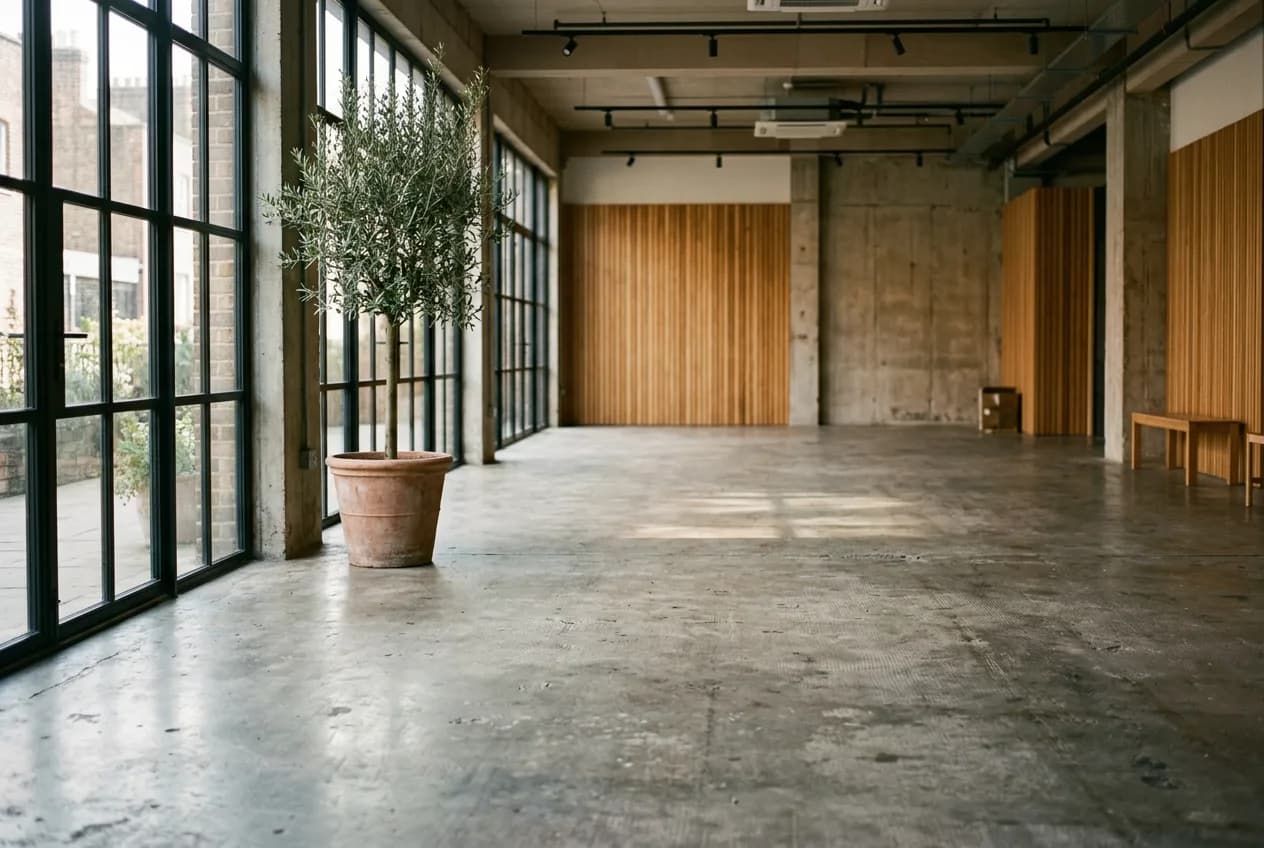
A reformer studio has a ceiling that doesn't move: as many machines, as many people. Groups are small, private and duo sessions use the same machines, and clients buy class packs and expect every visit to be counted exactly. Appointa keeps groups at machine count, private sessions outside group times and pack balances out of the notebook at the front desk.
Give the reformer class as many places as you have machines, say eight, and mat pilates as many as there are mats. Each has its own days and hours: reformer on Tuesday and Thursday evenings, mat every morning. A ninth reformer sign-up simply doesn't go through.
Between groups the instructor teaches private and duo sessions. Give the private service a timetable outside group times, so a one-to-one booking never takes the group's slot. With reformers set up as resources, two private sessions at the same time get different machines, with no back-and-forth.
On Premium you sell a pack with an expiry, say 10 classes in 60 days, and each booking takes one off. Cancel in time and the class comes back; skip it and it's gone. The booking rules set how late clients may cancel themselves, e.g. 12 hours before.
Yoga for 20, small group for 6 — every session has a capacity and a live 4/20 indicator. Sign-ups close themselves when full.
The schedule lives online; joining and leaving a class takes two clicks, with no midnight messages. New sessions show up instantly.
If someone drops out an hour before, the next person on the list gets notified and takes the spot. A full class stays full.
Who shows up regularly and who's gone quiet — you see it at a glance and can react before a member drops off.
The demo and a new account come with a ready-made price list for “Pilates studio” — change anything in a couple of clicks.
| Service | Duration | Price | Seats |
|---|---|---|---|
| Mat pilates group | 55 min | 13 € | 20 |
| Reformer group class | 55 min | 20 € | 20 |
| Reformer private | 55 min | 40 € | 1 |
| Reformer duo | 55 min | 55 € | 1 |
| Postnatal pilates | 55 min | 15 € | 20 |
The price list is a starting template from the Appointa catalog — names, durations and prices are yours the moment you sign up.
No. Turn her booking into a recurring series for both days, and Appointa holds her place in the group in advance. If you pick a day the class doesn't run on according to its timetable, Appointa warns you. Recurring appointments are available on the Pro and Premium plans.
They do, or they pick whichever is free. When both teach the same service at the same time, those are two separate groups, each with its own number of places. Each instructor gets an invitation to her own login and follows her day in the Appointa Pro app. Two instructors need Pro or Premium, since Starter includes one staff member.
Yes, with packs on Premium and fiscalisation switched on. After you sell a pack on the client's card, Appointa offers to issue the invoice, right away or later. Bookings covered by the pack are priced at €0, so nothing is counted twice in your reports. If you'd rather keep using your own till, that works too.
On your page appointa.hr/s/your-studio — nothing to install. Joining a session takes two clicks, leaving too.
Sign-ups close automatically, and anyone interested joins the waitlist. If a spot frees up, the next person gets notified.
Yes — every session has its own capacity (say 12 for yoga, 6 for small group). You see it at a glance as 4/12.
Pilates studio scheduling without clashes: group classes with a seat count, reformers as resources for private sessions, countdown packages and reminders.
Group classes without the WhatsApp chaos: a schedule with spot limits, self-service sign-ups and cancellations, a waitlist and attendance tracking — a step-by-step guide.
A birthday discount for clients isn't a cost but a reason: how to collect the date, send a message that sticks and turn it into an appointment — with the maths in euros.
A demo with ready-made services, a team and appointments for your line of work. No card, no strings.
Create the demo — freeNo time to do it yourself? We'll set it up for you, free of charge. See how →