Yoga studio: classes with seat counts, memberships and a waitlist
Yoga studio scheduling: classes with seat counts, online sign-ups and cancellations, a waitlist, 10-visit class cards and reminders that cut no-shows.
For yoga studios
Members sign up and out themselves, classes have a clear seat count, and the waitlist fills every gap. For one-on-one sessions and court rental, add a court, hall or reformer as a resource — two bookings on the same court can't happen. You run the training — not the messages.
No card · The demo comes pre-filled with services and a team · Starter free
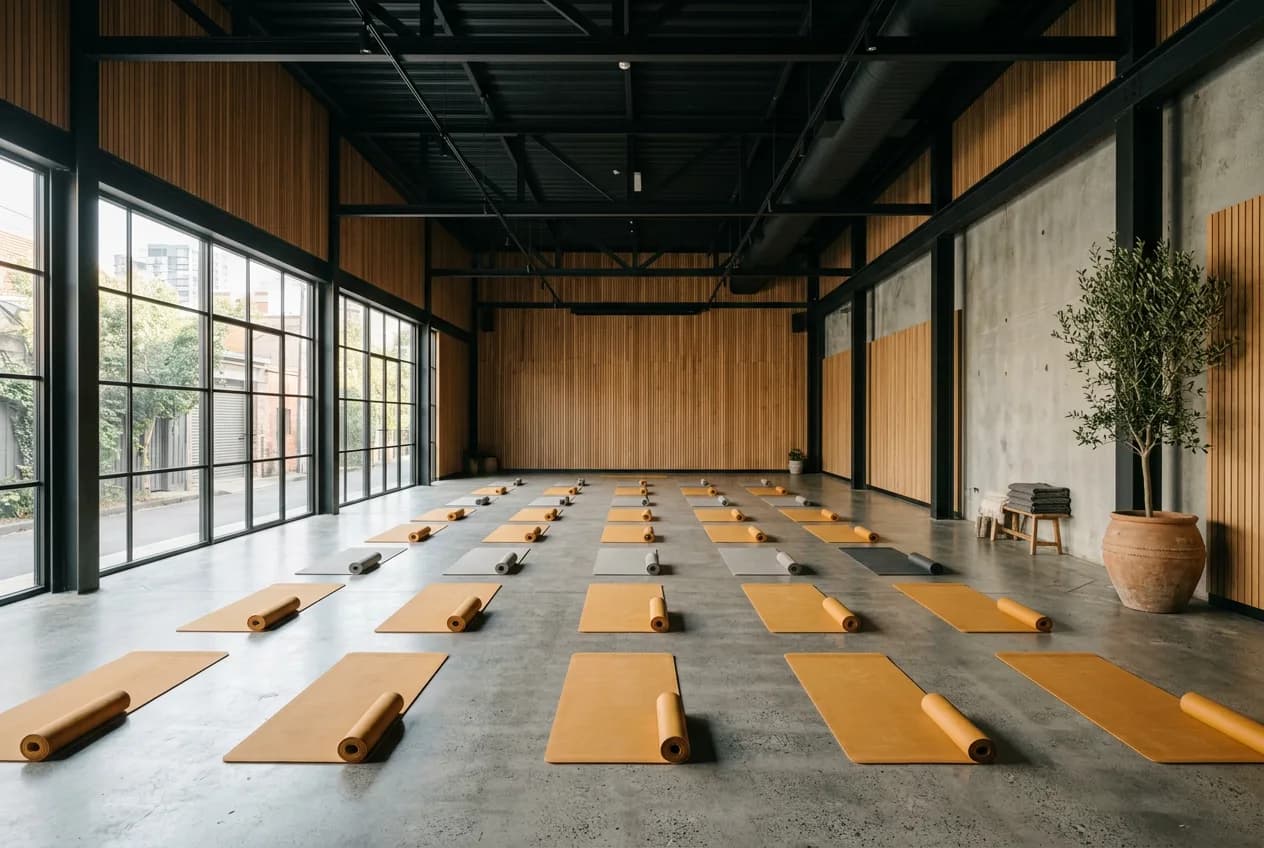
A yoga studio mixes regulars with people who drop in when they can. Evening classes need a spot booked ahead, morning ones fill at the last minute, and the timetable stays the same week after week. Appointa gives every style its own weekly timetable, students sign up for a specific class from their phone, and you stop answering “any space left?” from the mat.
Vinyasa on Mondays and Wednesdays at 6 pm, hatha on Tuesday mornings, yin on Friday evenings: give each service its own days and hours, and the same teacher runs them all. No need to invent a staff member per style, and outside those hours she can still teach private sessions.
Closed in August, and over Christmas and New Year? Enter the closure and mark the public holidays you don't work, and those days simply aren't offered for booking. Nobody signs up for a class that won't happen, and the timetable picks up on its own when you're back.
Before their first class people want to see the space and the teachers. Your public page shows studio photos, services with prices, the team and student ratings, and you choose which reviews count toward the public average. Whoever decides signs up for a class right there, on the same page.
Yoga for 20, small group for 6 — every session has a capacity and a live 4/20 indicator. Sign-ups close themselves when full.
The schedule lives online; joining and leaving a class takes two clicks, with no midnight messages. New sessions show up instantly.
If someone drops out an hour before, the next person on the list gets notified and takes the spot. A full class stays full.
Who shows up regularly and who's gone quiet — you see it at a glance and can react before a member drops off.
The demo and a new account come with a ready-made price list for “Yoga studio” — change anything in a couple of clicks.
| Service | Duration | Price | Seats |
|---|---|---|---|
| Vinyasa group class | 60 min | 12 € | 20 |
| Hatha group class | 75 min | 12 € | 20 |
| Yin / restorative yoga | 75 min | 14 € | 20 |
| Private yoga session | 60 min | 35 € | 1 |
| Prenatal yoga | 60 min | 15 € | 20 |
The price list is a starting template from the Appointa catalog — names, durations and prices are yours the moment you sign up.
On the Premium plan you define a membership with a validity period, say 30 days of unlimited classes, and sell it to the student at the studio. When they sign up for a class while logged in to their account, the booking is covered by the membership automatically. A drop-in books the same class and pays the listed price. A guest booking without logging in never uses anyone's membership.
You can. Every group service has an occupancy display switch: turn it off and students see only the available times, with no sign-up count. You and your team still see the real numbers for every class in the calendar. The setting is available on all plans.
Yes. In the service timetable you add a Friday time window and choose even or odd weeks, based on the week number of the year. Yin is then offered only on those Fridays, while the other styles stay weekly. You never have to open or close it by hand.
On your page appointa.hr/s/your-studio — nothing to install. Joining a session takes two clicks, leaving too.
Sign-ups close automatically, and anyone interested joins the waitlist. If a spot frees up, the next person gets notified.
Yes — every session has its own capacity (say 12 for yoga, 6 for small group). You see it at a glance as 4/12.
Yoga studio scheduling: classes with seat counts, online sign-ups and cancellations, a waitlist, 10-visit class cards and reminders that cut no-shows.
Group classes without the WhatsApp chaos: a schedule with spot limits, self-service sign-ups and cancellations, a waitlist and attendance tracking — a step-by-step guide.
Does a salon need a website? An honest reckoning of three digital homes — website, Instagram and booking page: what each costs and what a small salon needs.
A demo with ready-made services, a team and appointments for your line of work. No card, no strings.
Create the demo — freeNo time to do it yourself? We'll set it up for you, free of charge. See how →