Tennis and squash: courts that guard themselves
Tennis and squash court bookings without the paper notebook: courts as calendar resources, coached lessons without clashes, rain blocks and SMS reminders.
For tennis & squash centres
Members sign up and out themselves, classes have a clear seat count, and the waitlist fills every gap. For one-on-one sessions and court rental, add a court, hall or reformer as a resource — two bookings on the same court can't happen. You run the training — not the messages.
No card · The demo comes pre-filled with services and a team · Starter free
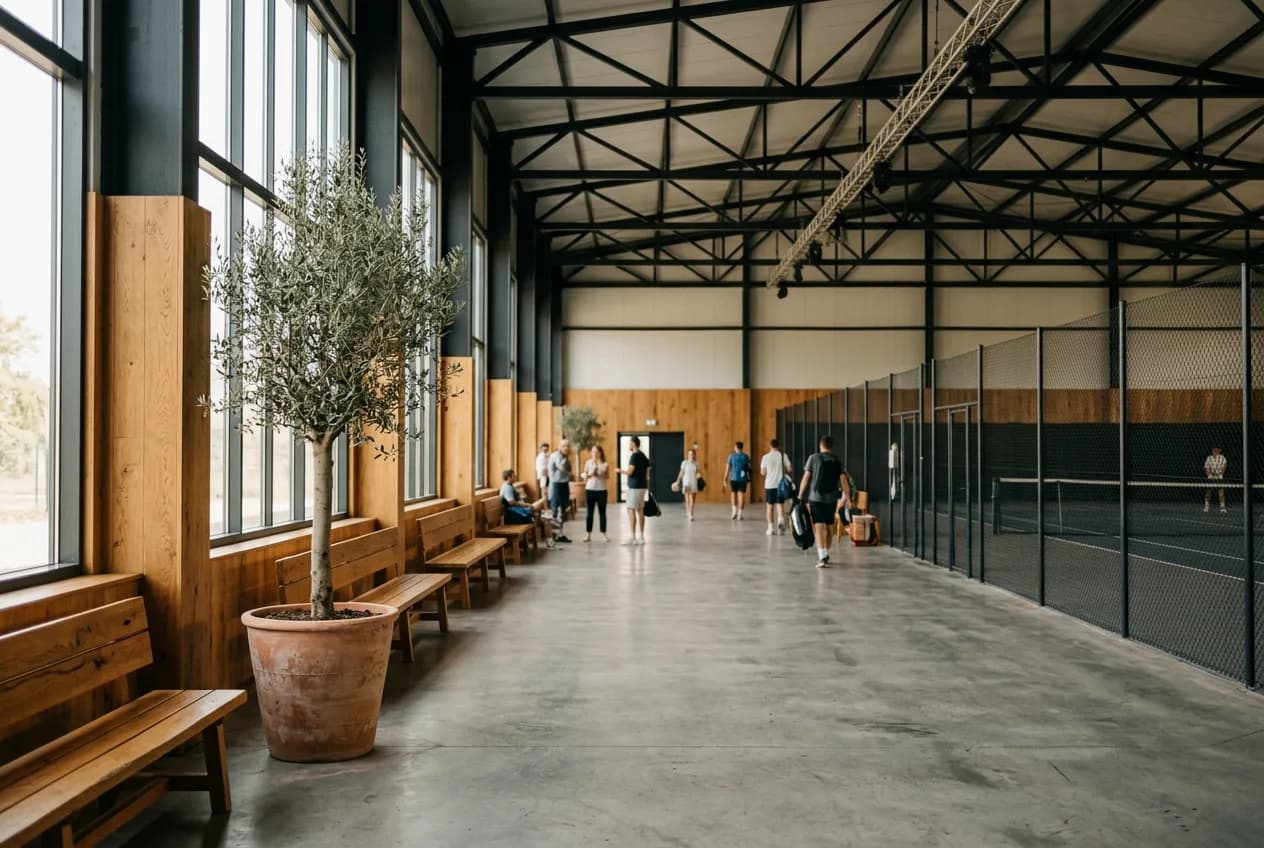
A tennis centre juggles two schedules at once: coaches and courts. A lesson is no use if the court is taken, and a free court is no help without a coach. The season depends on the weather, and kids' school, groups and private lessons share the same courts. Appointa offers a lesson only when coach and court are both free, and you cancel a rained-out day in one go.
A private lesson needs a free coach and a free court at once. Appointa offers only those times and assigns the court itself; the player sees which one in the confirmation and reminder, e.g. “Court 3”. An internal name like “Court 3, by the fence” stays with your team.
It's been pouring since morning and the courts are under water? With bulk cancellation you pick the day or a date range, enter a reason and cancel every booking at once. Players are notified straight away through whatever channel they have, and you don't phone twenty people one by one.
The clay court needs levelling and watering? Block that court for the day and hours of the work, with a reason. Meanwhile Appointa puts new bookings only on the other courts, and you move existing ones on the blocked court yourself — Appointa won't cancel them without you.
Yoga for 20, small group for 6 — every session has a capacity and a live 4/20 indicator. Sign-ups close themselves when full.
The schedule lives online; joining and leaving a class takes two clicks, with no midnight messages. New sessions show up instantly.
If someone drops out an hour before, the next person on the list gets notified and takes the spot. A full class stays full.
Who shows up regularly and who's gone quiet — you see it at a glance and can react before a member drops off.
The demo and a new account come with a ready-made price list for “Tennis / squash” — change anything in a couple of clicks.
| Service | Duration | Price | Seats |
|---|---|---|---|
| Private tennis lesson | 60 min | 30 € | 1 |
| Group tennis lesson | 60 min | 15 € | 20 |
| Kids tennis school | 60 min | 12 € | 20 |
| Court rental | 60 min | 16 € | 1 |
| Squash court rental | 45 min | 14 € | 1 |
The price list is a starting template from the Appointa catalog — names, durations and prices are yours the moment you sign up.
As far as you decide. In the booking rules you set the booking window, say 14 days, so the best slots aren't snapped up for the whole month, and the minimum notice before start, say two hours. You also set how late players may cancel on their own. You and your coaches can enter bookings outside those rules.
In the day calendar switch the view from coaches to resources, and every court gets its own column in its own colour. You can drag a booking to another court, and Appointa won't allow it if that court is taken at the time. Maintenance blocks show up as a grey bar with the reason.
On the Premium plan you create a promotion with a promo code, for example a discount each player can use once, with validity dates and a cap on total uses. Share the code on social media; the player enters it when booking and sees the discount immediately. A promotion applies to all services with a visible price, so pick a discount that pays off on every one.
On your page appointa.hr/s/your-studio — nothing to install. Joining a session takes two clicks, leaving too.
Sign-ups close automatically, and anyone interested joins the waitlist. If a spot frees up, the next person gets notified.
Yes — every session has its own capacity (say 12 for yoga, 6 for small group). You see it at a glance as 4/12.
Tennis and squash court bookings without the paper notebook: courts as calendar resources, coached lessons without clashes, rain blocks and SMS reminders.
An abandoned online booking costs you appointments every week: why clients give up halfway and how to build a booking page that turns visits into appointments.
How to win back regulars who disappeared over the summer: spot dormant clients in time, build the right shortlist and send three messages that don't sound desperate — with the maths in euros.
A demo with ready-made services, a team and appointments for your line of work. No card, no strings.
Create the demo — freeNo time to do it yourself? We'll set it up for you, free of charge. See how →